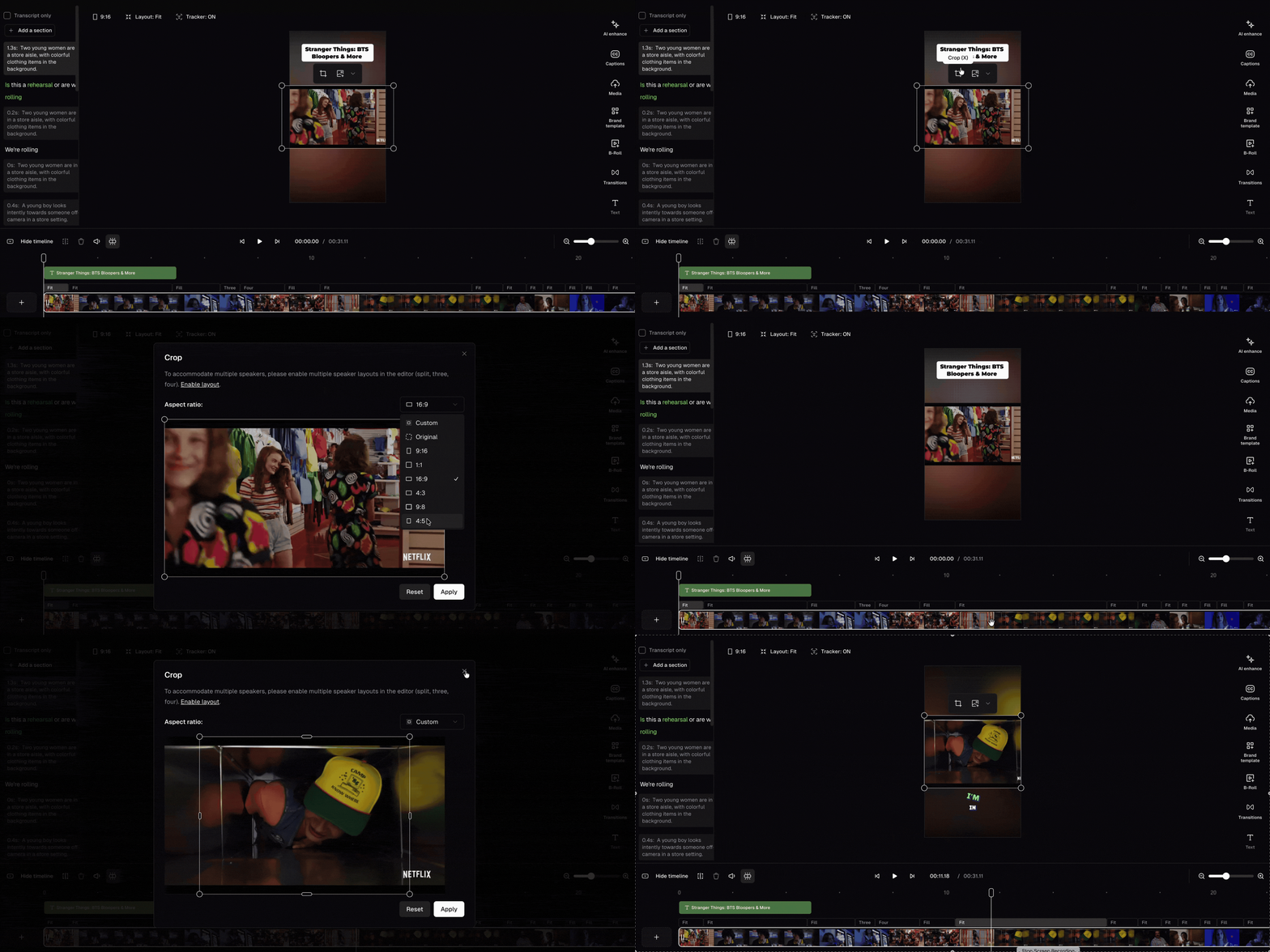
To manually adjust your video’s framing, you can open the crop window to manually reframe your content. There are 3 ways to open the crop window:
Click the Crop button
Double click the scene
Press X
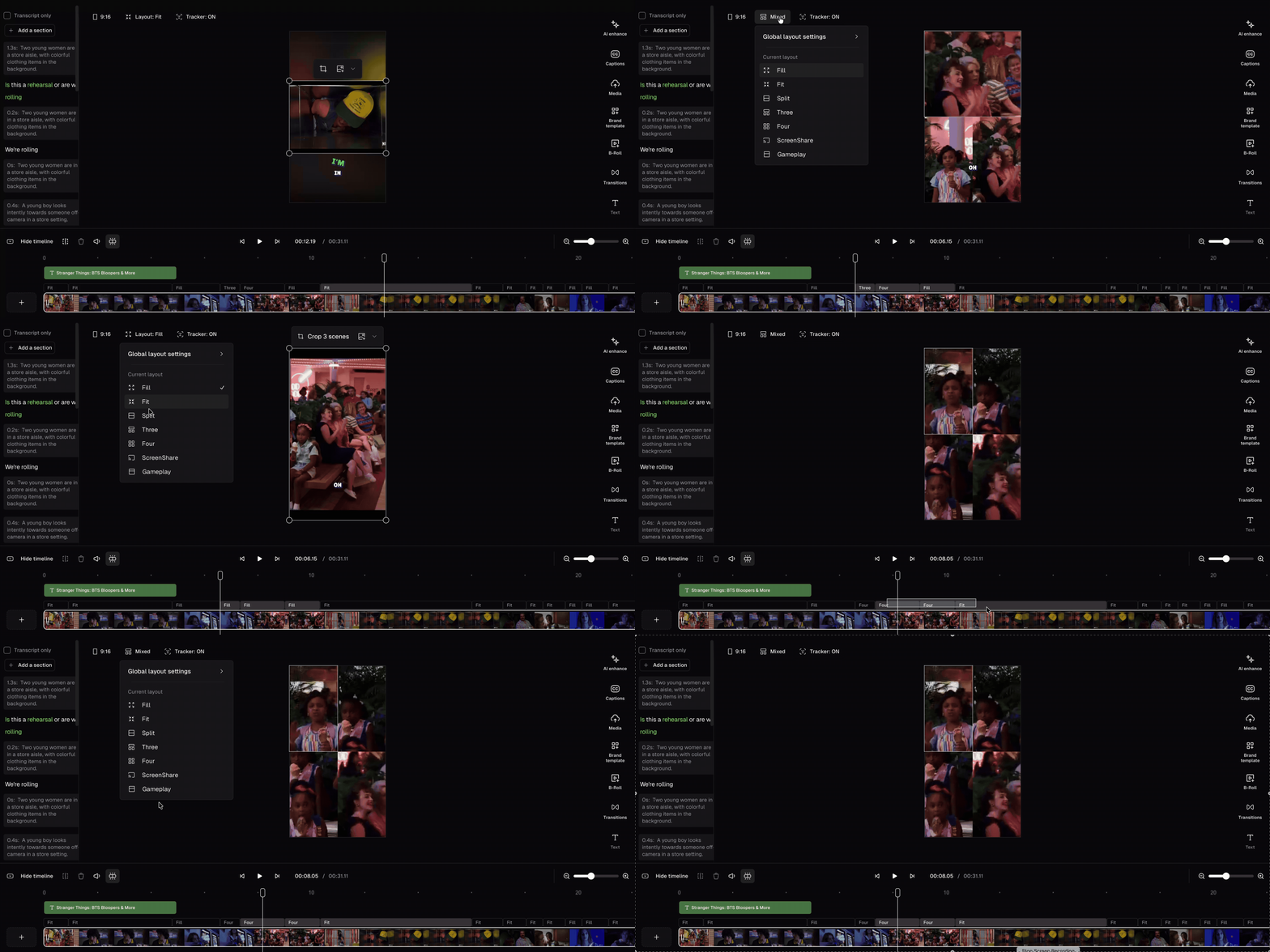
You can also select multiple scenes and update their layouts all at once. Hold Shift to select multiple scenes, then right-click to update their layouts all at once.