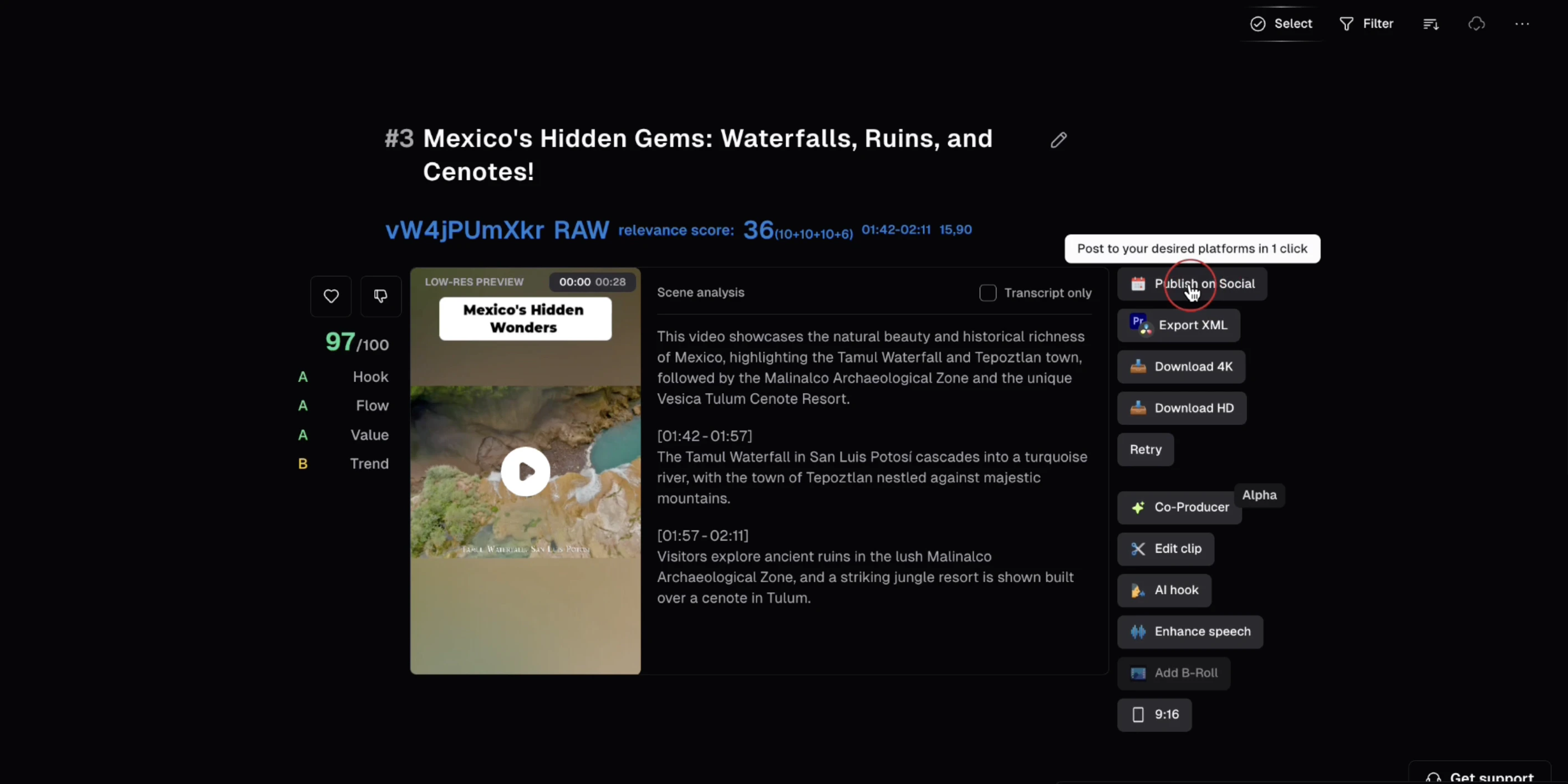
Where to find it
Downloading in 4K
You can download in 4K from four places: hover over a clip on the results page, use bulk download to export multiple clips at once, open the clip detail view, or click Export in the editor.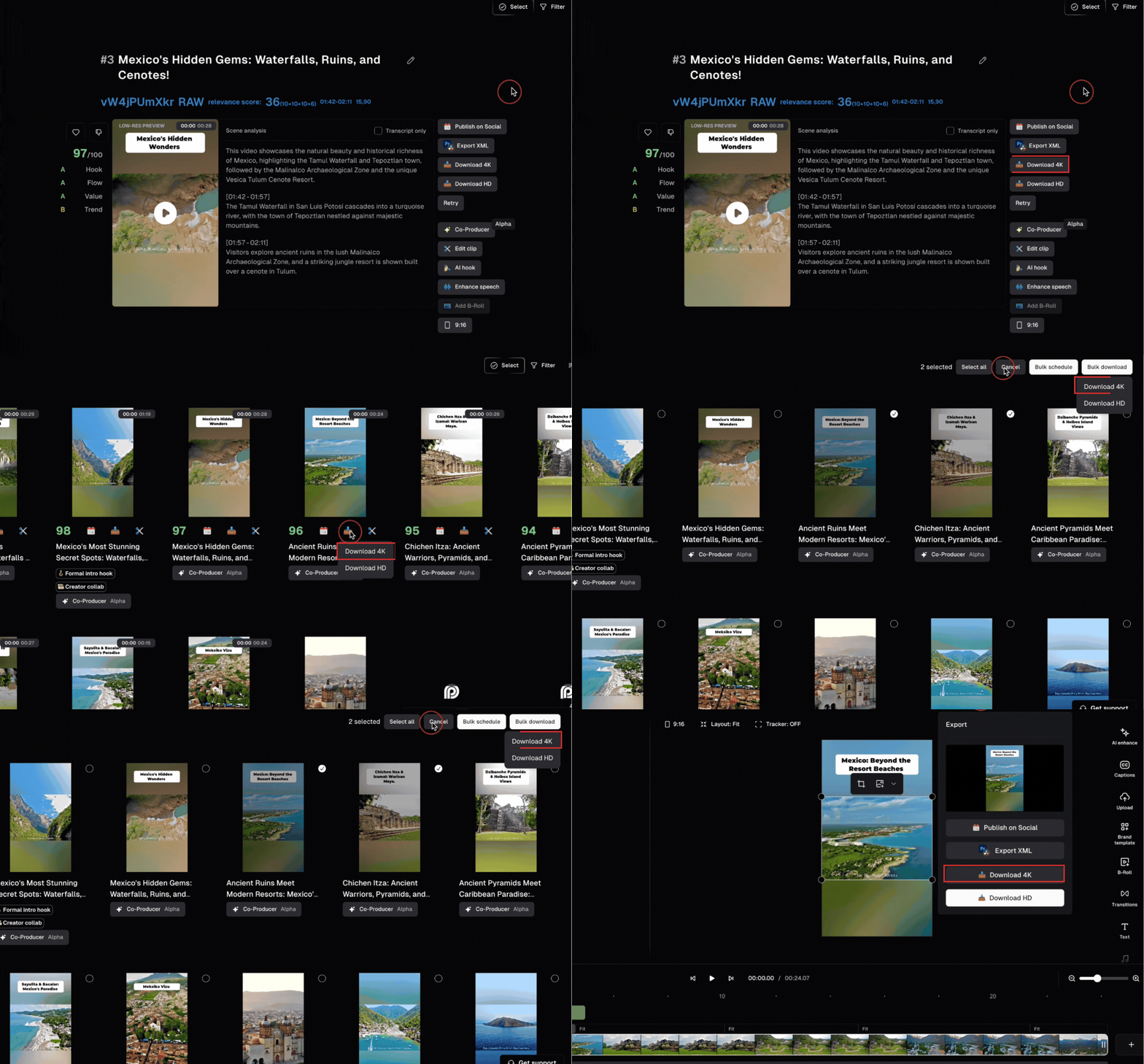
Post or schedule in 4K
When posting or scheduling, OpusClip automatically uses the 4K asset if available. No extra steps needed—your post goes out in 4K quality.