Documentation Index

Fetch the complete documentation index at: https://help.opus.pro/llms.txt

Use this file to discover all available pages before exploring further.

Duplicating a clip lets you create an independent copy to experiment with — test different edits, repurpose for different platforms, or try new styles without touching the original.

How to duplicate a clip

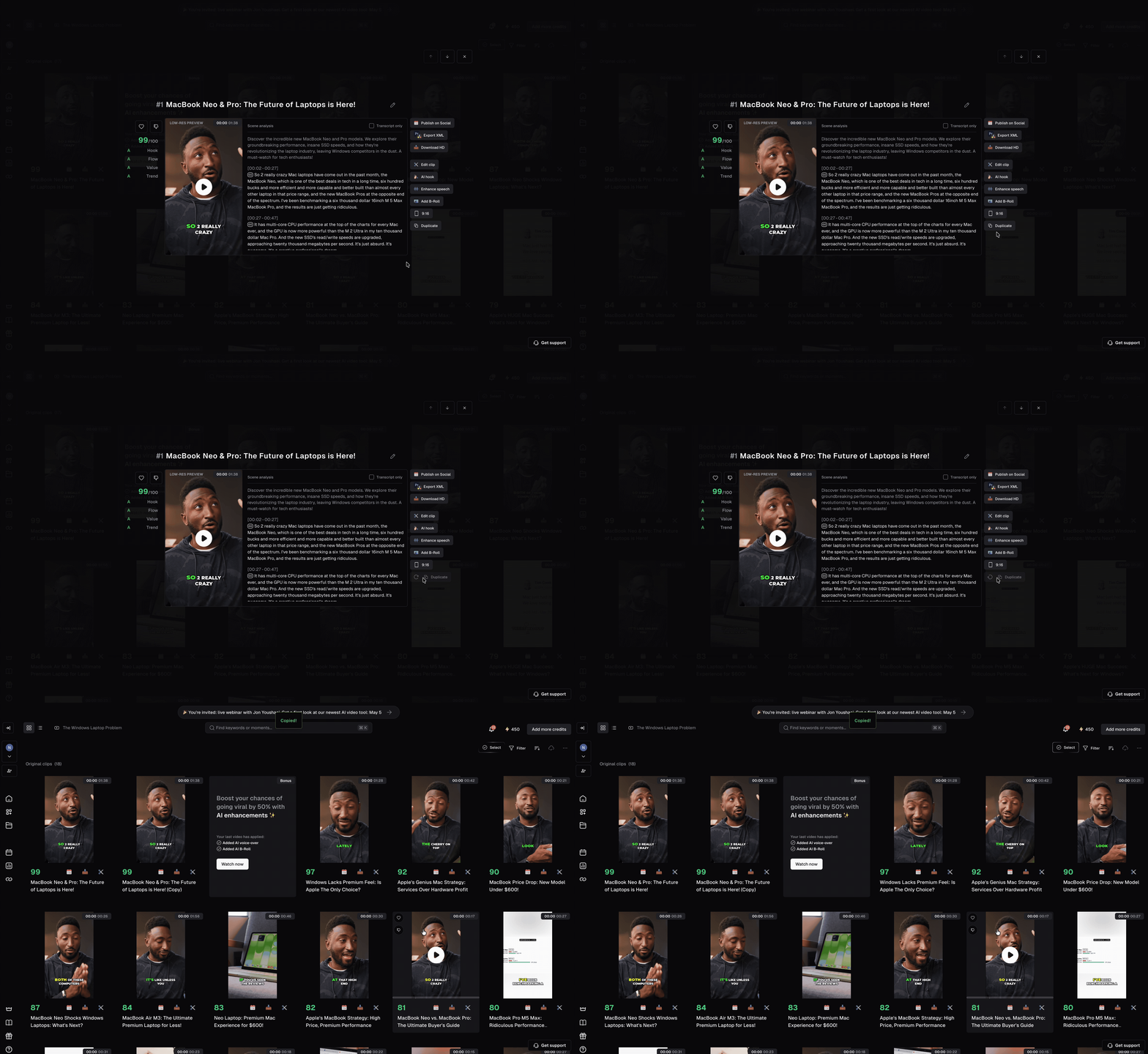
  1. Open any project and click on any clip to open the preview.
  2. Click Duplicate in the bottom right corner.
  3. A copy will appear in your results with all settings carried over — aspect ratio, captions, effects, and more.

FAQ

Does editing the duplicate affect the original?

No — the duplicate is fully independent. Any changes you make to it will never affect the original.

Who can use this feature?

Duplicate is available to all users on all plans.