
- Navigate to your project: Open your projects’ results page.
- Select Clips:
- Click on “Select” in the top right corner of the results page
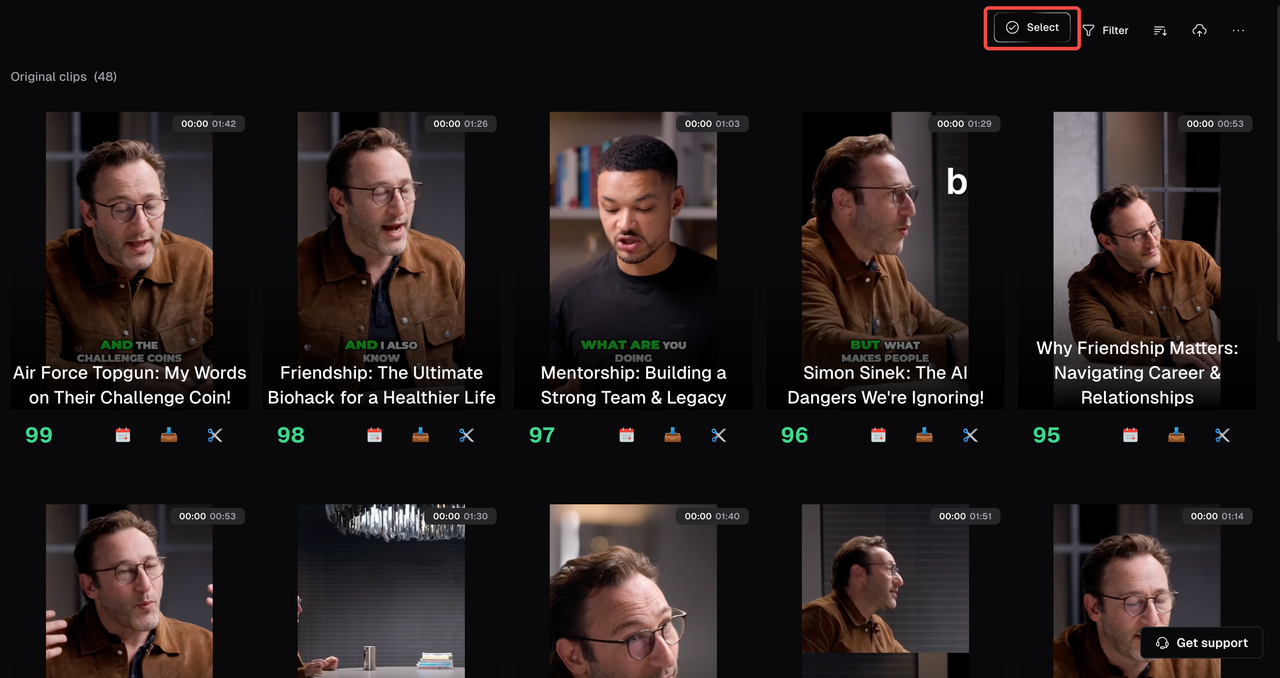
- Check the box next to each clip to make your selection or use Select all to choose all clips at once.
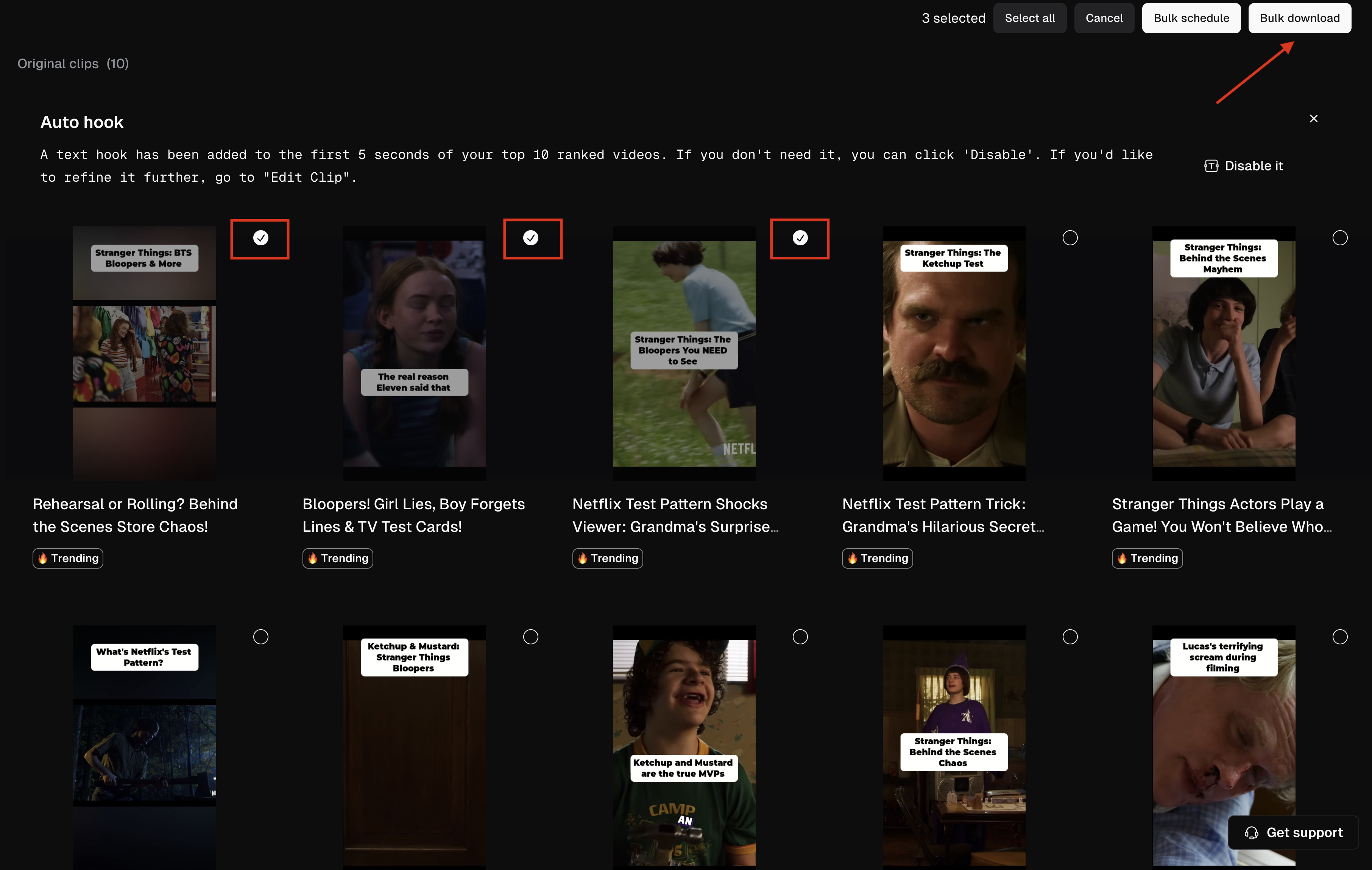
- Download: Click the Bulk Download button to start bulk downloading.
- Upgrade if needed: If you’re prompted to upgrade, just follow the instructions to switch to the Pro plan.
- Download Issues: Refresh the page and try again. For persistent issues, contact support.
- Partial Downloads: Check internet connection and retry. Reach out to support if the problem continues.