Eye Contact Correction
Subtitle: Eye Contact redirects your gaze to the camera, only on the shots where the correction looks natural.How to use Eye Contact Correction?
From the recipe page Turn on Eye contact correction in your recipe to apply it once, or save it to a custom recipe to apply it automatically every time.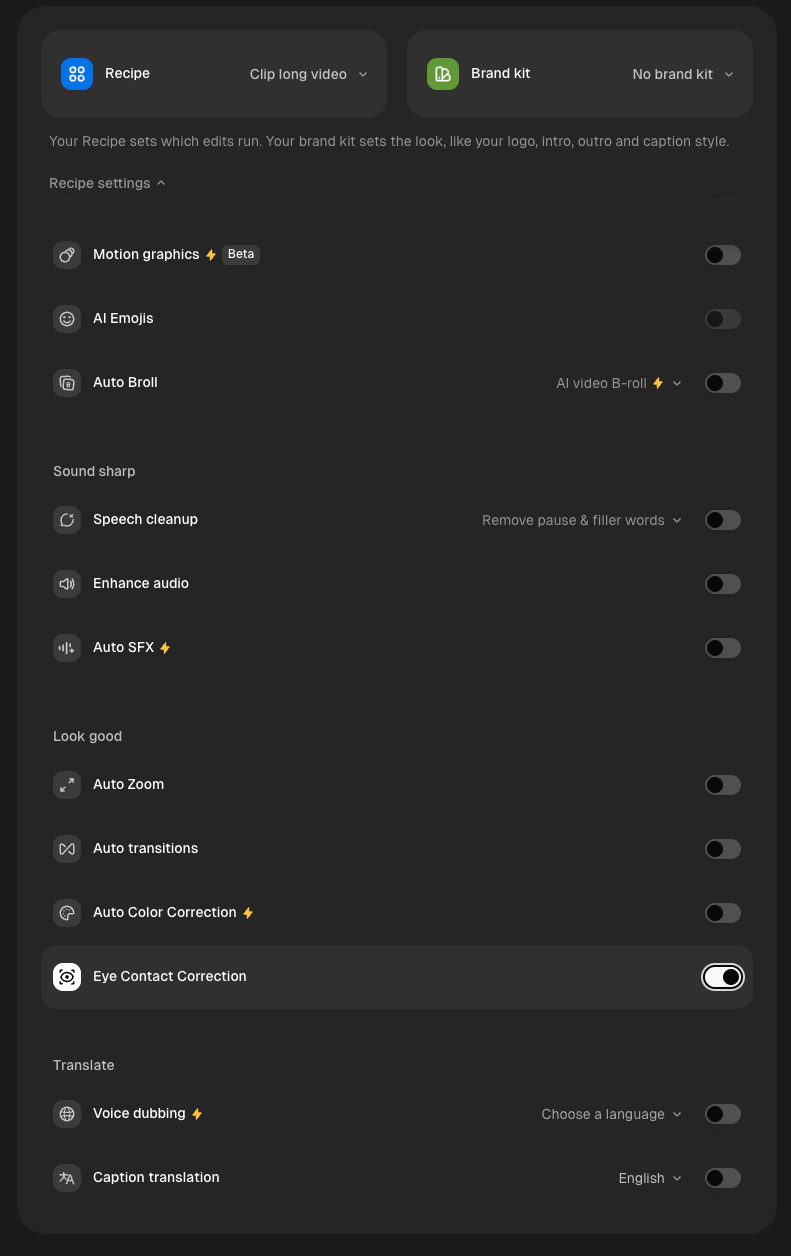
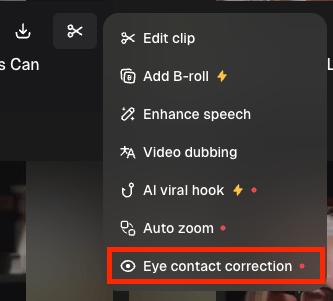
From the editor
- Go to the right sidebar and locate AI enhance
- Toggle on Eye contact Correction.
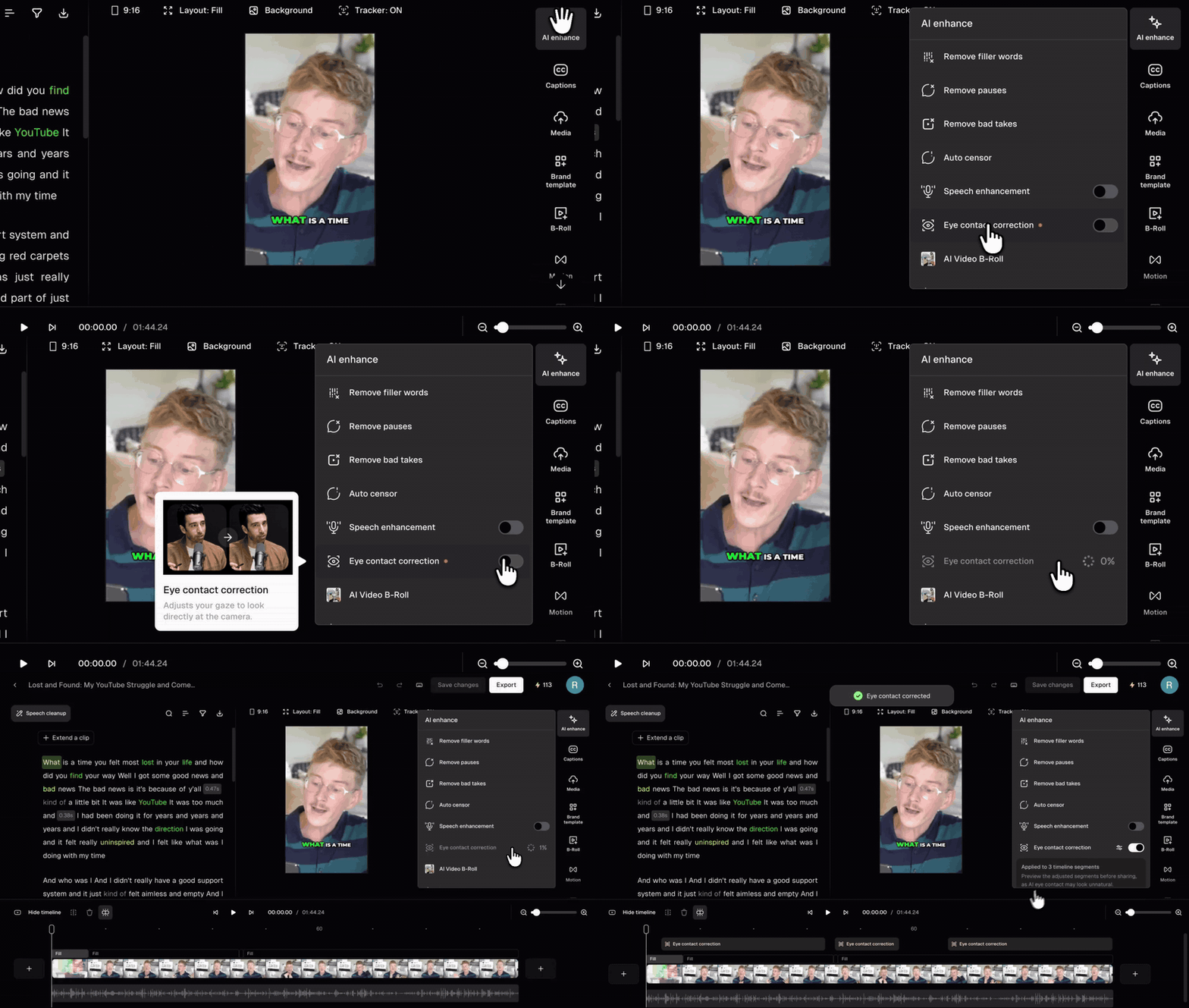
- Our AI analyzes your clip and corrects the shots that need it. Corrected parts appear as Eye contact correction segments on the timeline.
Which shots does Eye Contact Correction correct?
Eye Contact Correction only corrects shots where your face points toward the camera and your eyes drift slightly, like glancing down at a script. It skips shots where a correction would look unnatural, such as head turns or looking away on purpose. If there’s nothing to correct, you’ll see No segments needed correction.Can I edit the corrections?
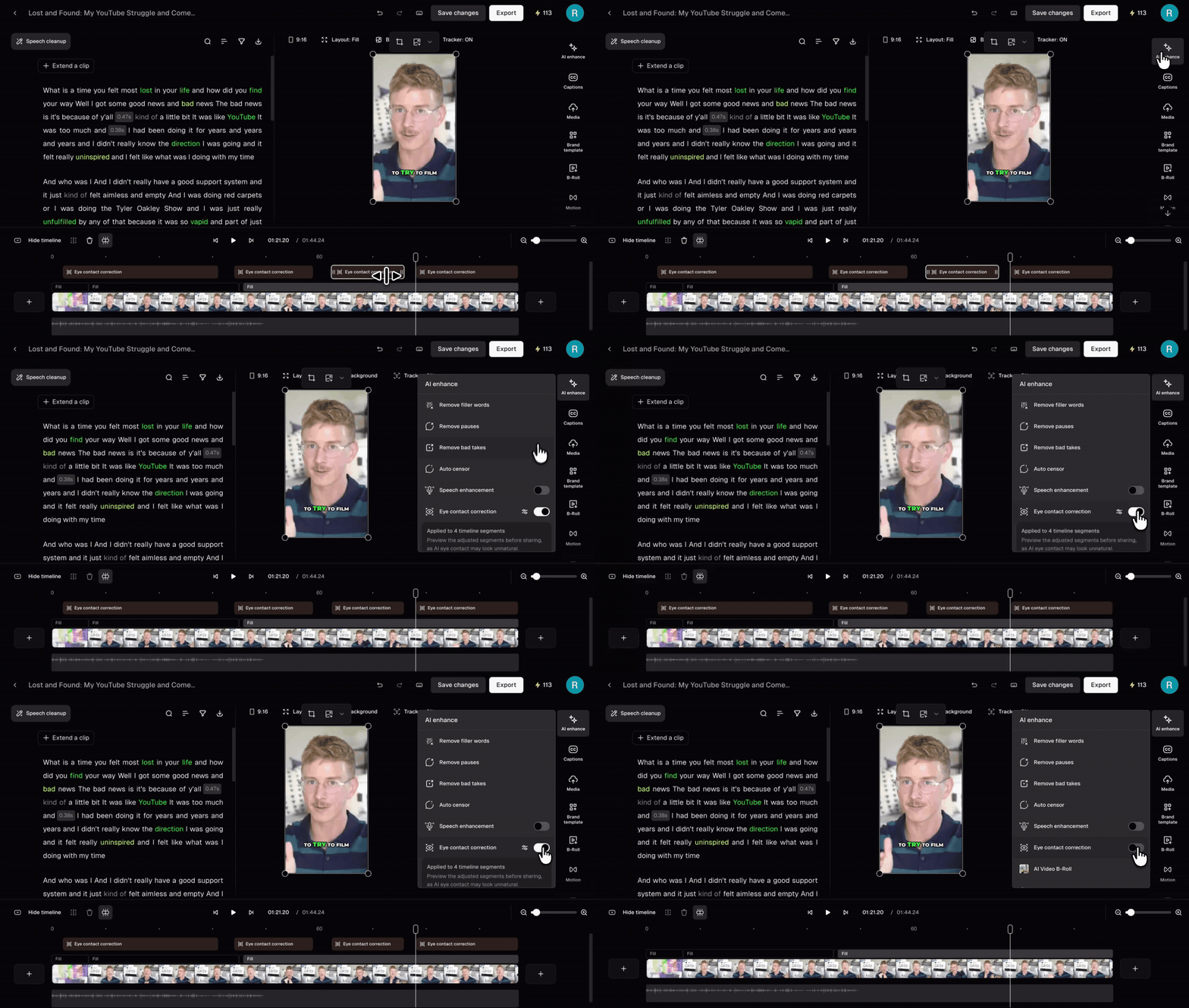
Yes. On the timeline, you can:- Remove a correction by selecting an Eye contact segment and deleting it
- Extend or trim a correction by dragging either edge of the segment
- Add a correction by clicking Add more manually in the AI enhance panel, then selecting the part of the timeline you want corrected
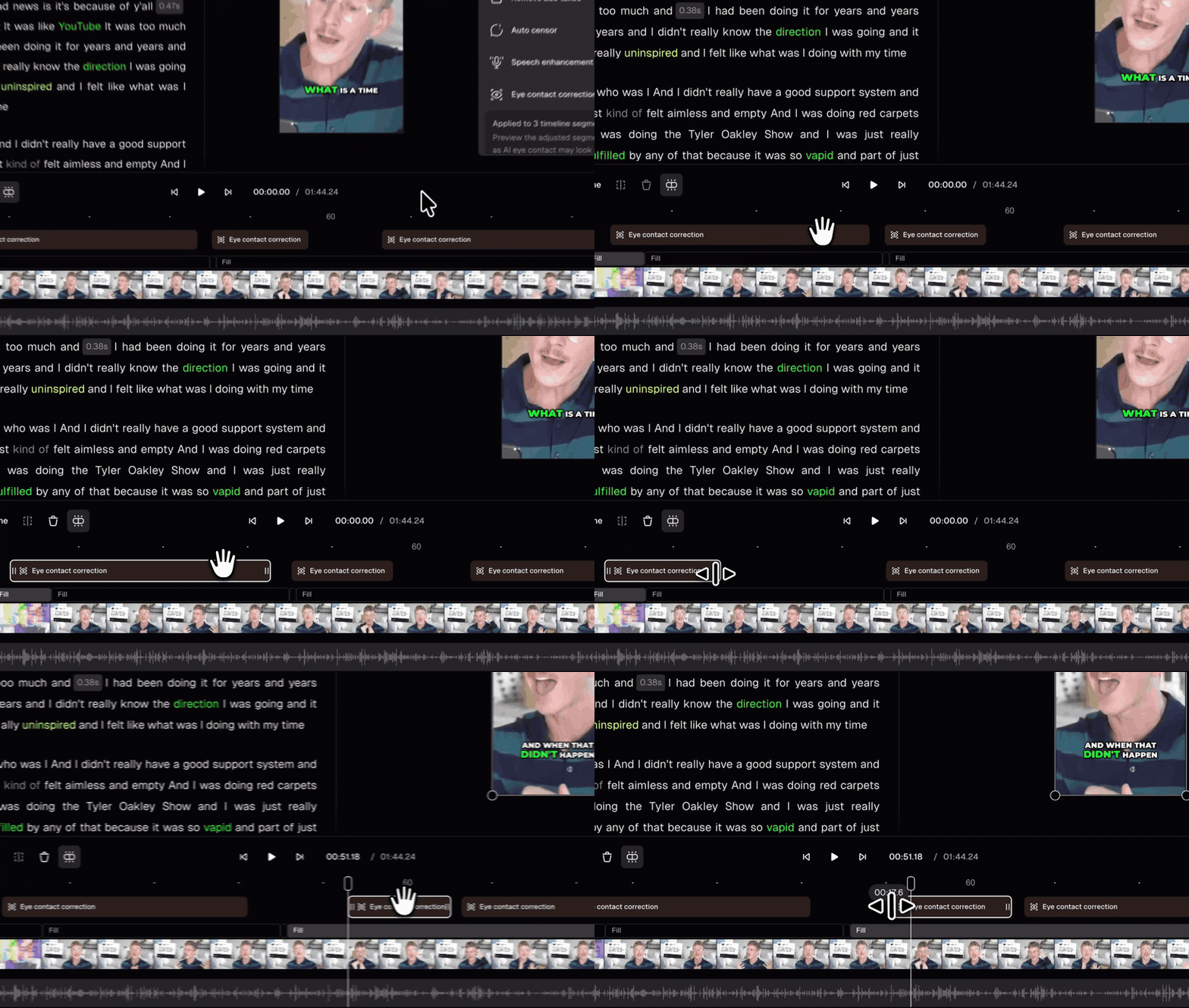
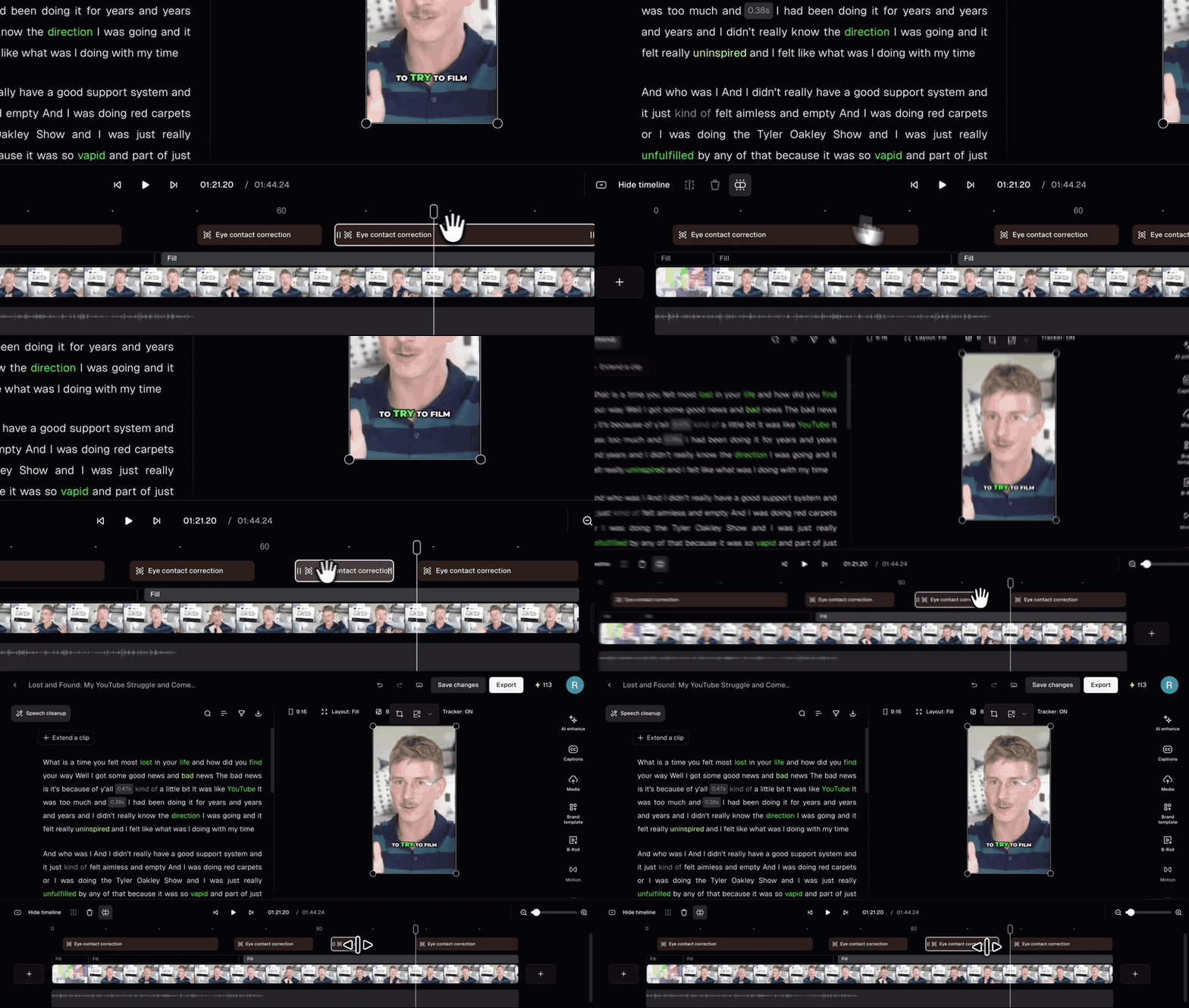
Which layouts are supported?
Eye Contact Correction works with the Fill and Split layouts.Can I use Eye Contact from the results page?
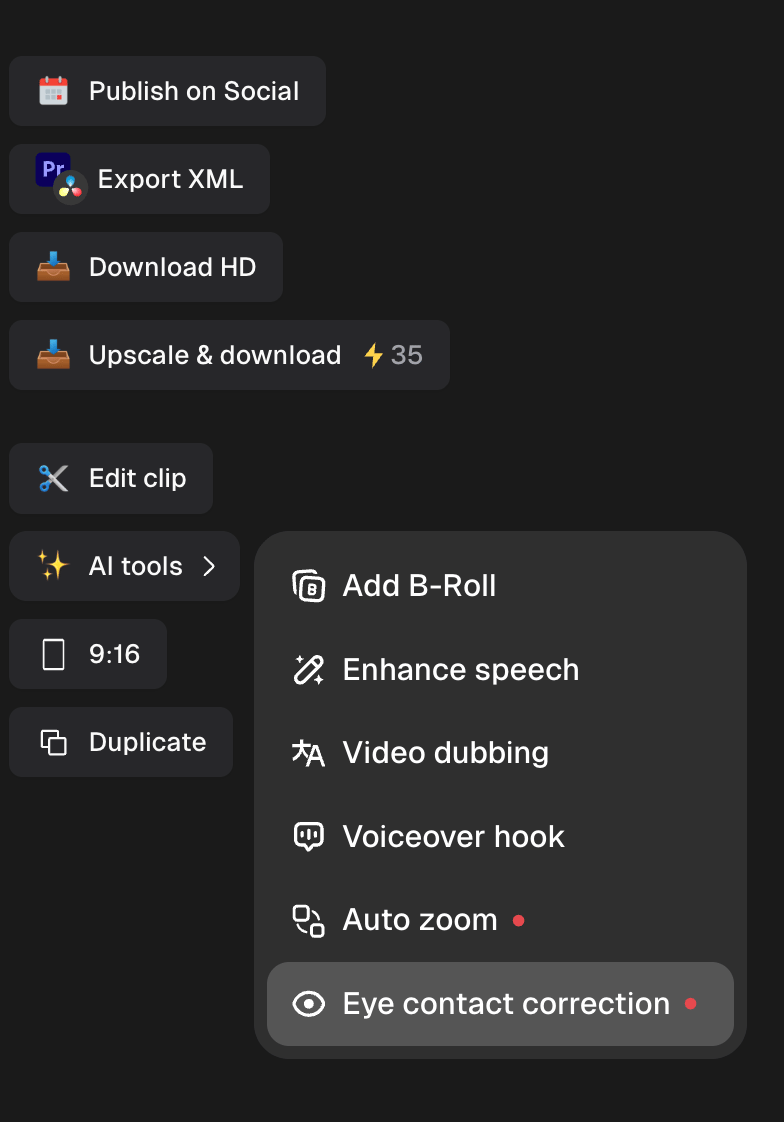
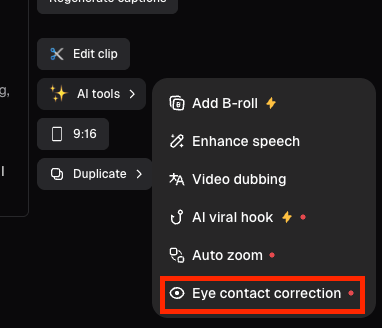
Yes. Click AI tools next to any clip, then select Eye contact.