
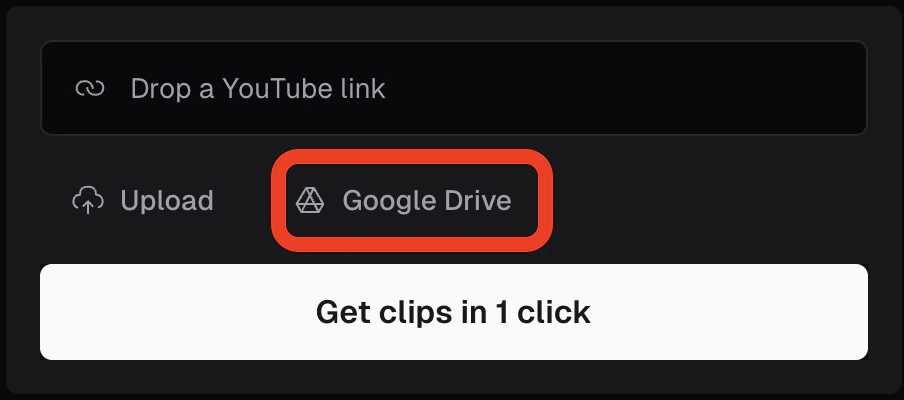
How can I upload a video from Google Drive?
To upload a video from Google Drive, simply connect your Google Drive account by clicking on the Google Drive icon located below the URL submission box. Once connected, grant access to OpusClip.