> ## Documentation Index
> Fetch the complete documentation index at: https://help.opus.pro/llms.txt
> Use this file to discover all available pages before exploring further.
# Upscale a Video
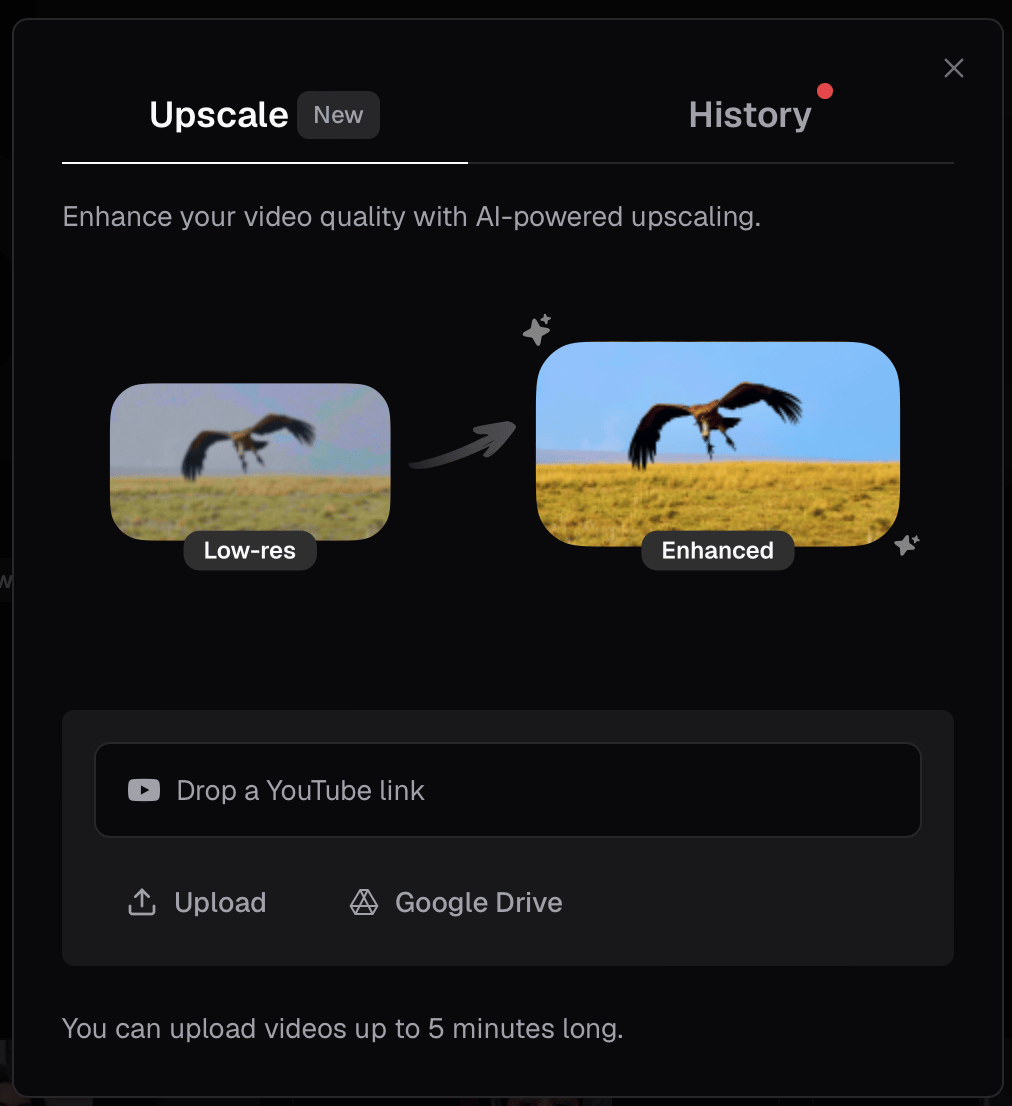
If your footage is blurry or low-resolution, Upscale uses AI to make it sharper, clearer, and more high-definition — no editing experience required.
## How to upscale a video
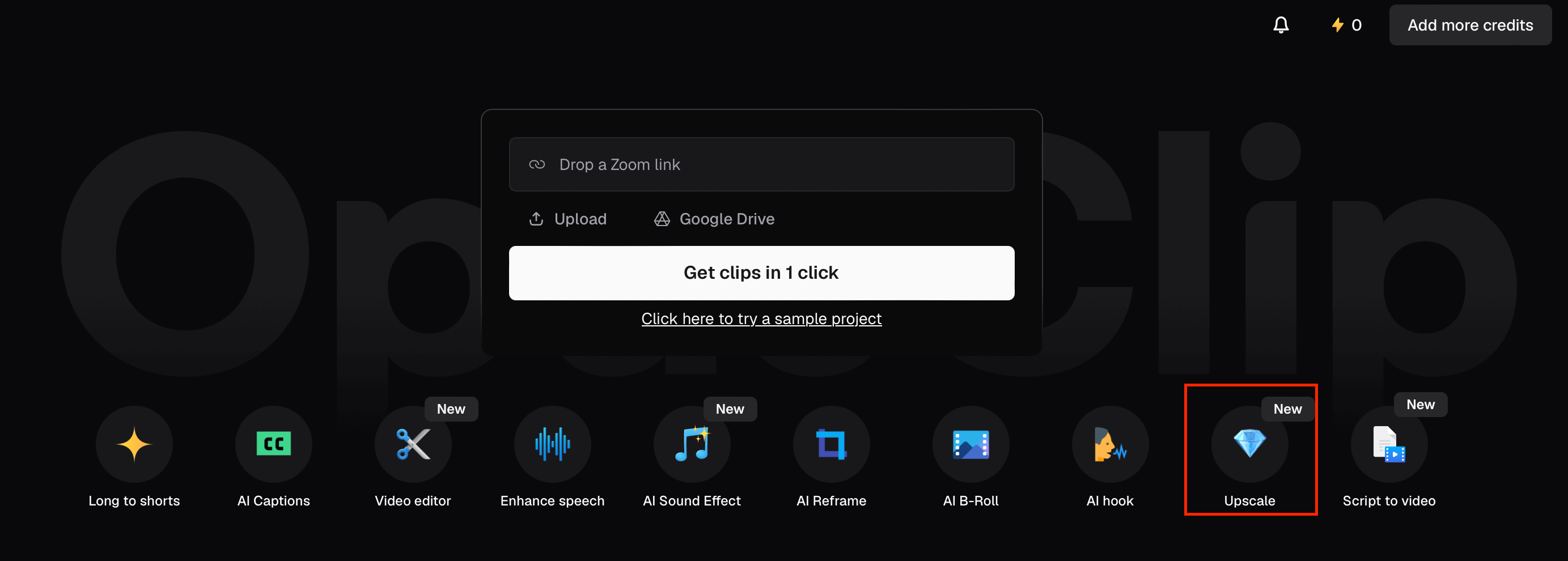
1. From the Quick Start menu, click **Upscale** (the 💎 diamond icon marked **New**).
2. Add your video: paste a YouTube link, click **Upload** to select a file from your device, or click **Google Drive** to import. Videos up to 5 minutes long are supported.
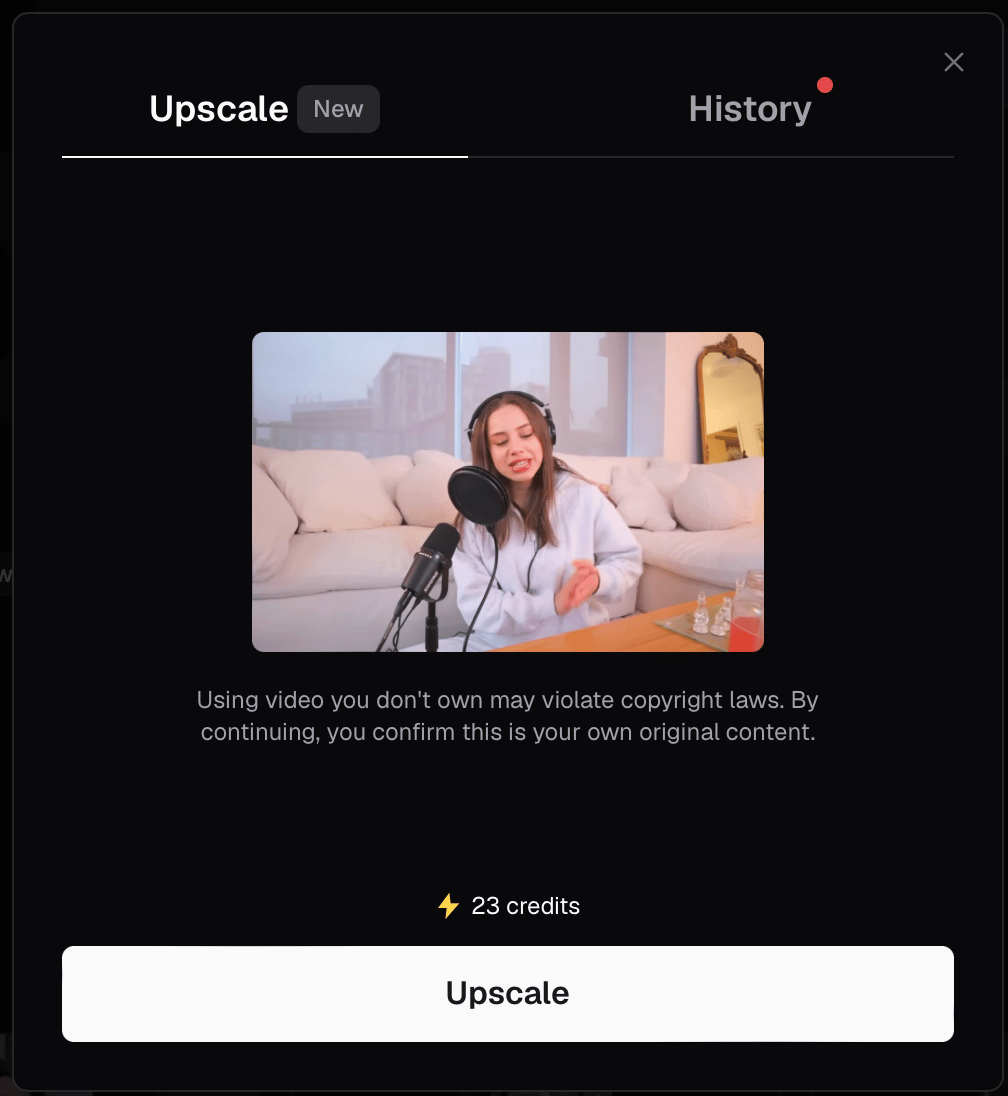
3. Once your video is loaded, review the preview and click **Upscale (23 credits)** to begin processing.
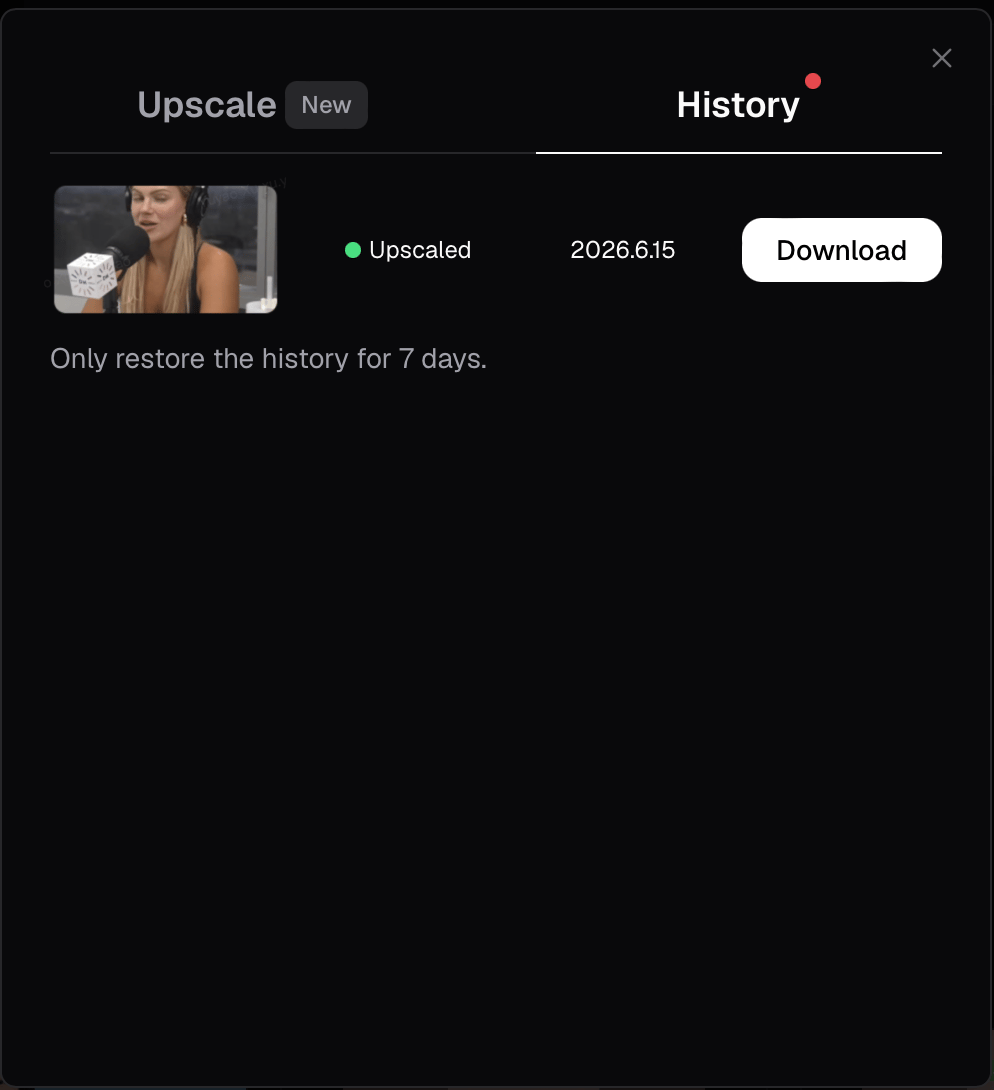
4. When upscaling is complete, open the **History** tab and click **Download** to save your enhanced video. Upscaled videos are available for 7 days.
## Plan availability
| Plan | Upscale |
| -------- | ------- |
| Free | — |
| Starter | — |
| Pro | ✅ |
| Business | ✅ |
## FAQ
**How long does upscaling take?**
Processing time varies by video length. You can monitor progress in the History tab — it shows a live percentage as your video upscales.
**How long are my upscaled videos saved?**
Upscaled videos are available to download from the History tab for 7 days.
**What is the maximum video length?**
Videos up to 5 minutes long are supported.
**What counts as blurry or low-res footage?**
Upscale is designed to improve footage that lacks sharpness or clarity — for example, old recordings, compressed video, or anything that looks grainy or pixelated.