> ## Documentation Index
> Fetch the complete documentation index at: https://help.opus.pro/llms.txt
> Use this file to discover all available pages before exploring further.
# Saving Your Projects
## How long will OpusClip save my projects?
To ensure a cost-effective service for our large user base, OpusClip cannot store all projects indefinitely. The storage duration depends on your current plan:
* **Trial users**: Projects expire **7 days** after creation
* **Free plan**: Projects expire **3 days** after creation
* **Starter plan**: Projects expire **30 days** after creation
* **Pro plan**: Projects expire **30 days** after creation
## Can I keep my projects for more than 30 days?
Yes! **Pro plan users** have the option to save projects permanently by storing them in the cloud. Every Pro user receives **100GB of cloud storage** in total for their saved projects and uploaded assets. (learn more in [Cloud Storage](/docs/article/cloud-storage))
To ensure you don't lose important work, we strongly recommend saving critical projects and clips locally to your computer, even if you're using cloud storage.
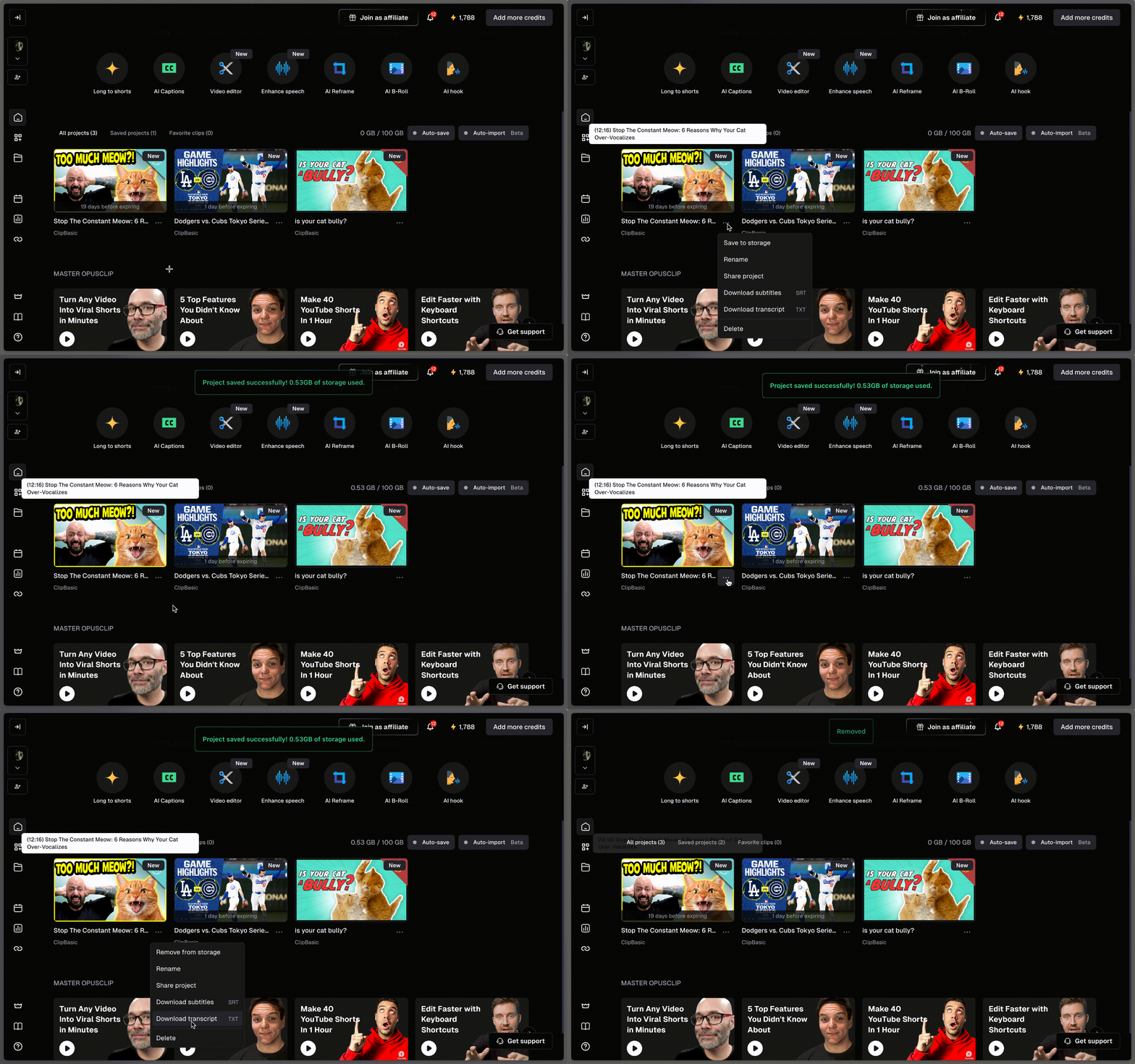
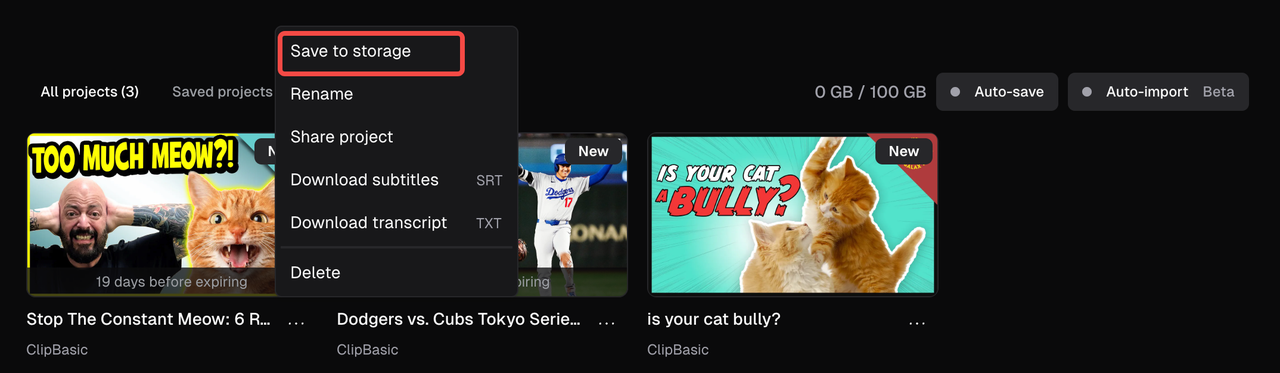
* **Pro plan users** can manually save individual projects to cloud storage.
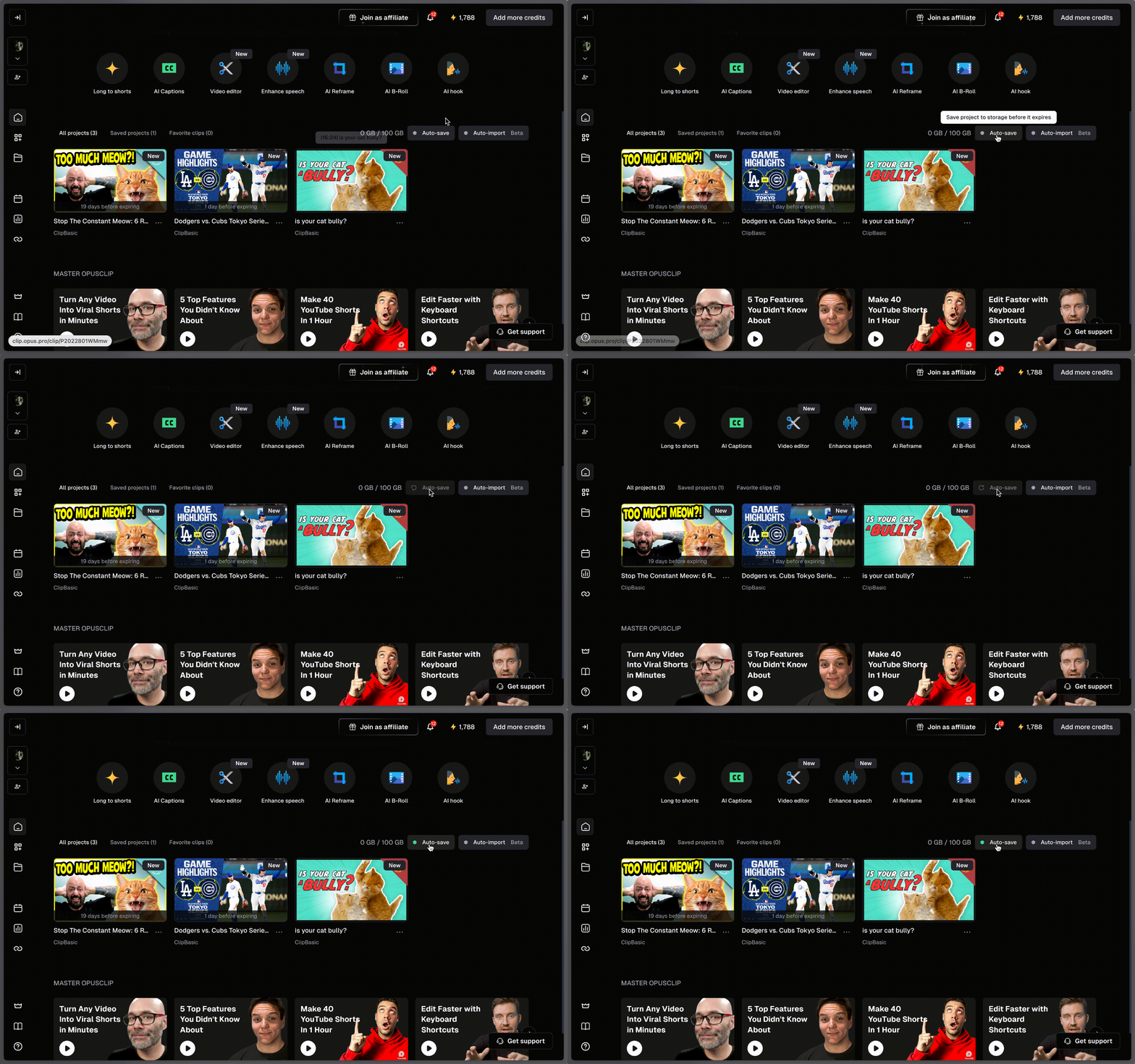
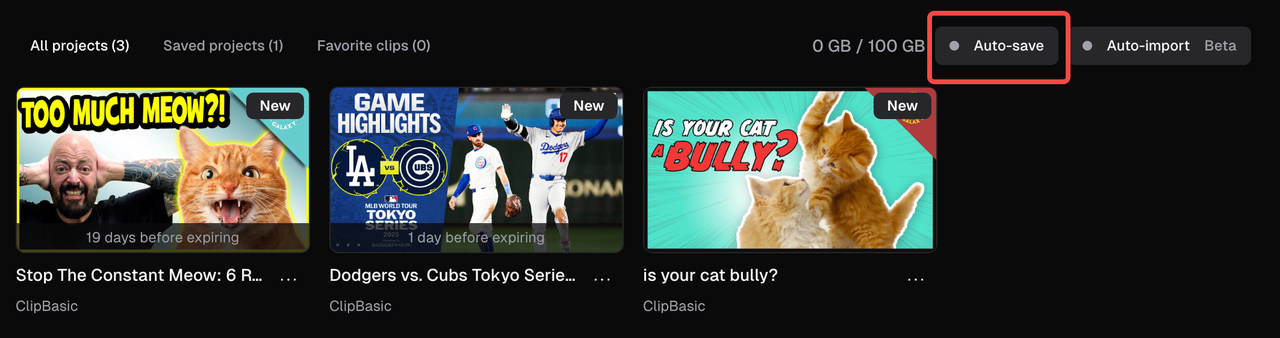
* **Pro plan users** can enable **auto-save** to automatically store all future projects in the cloud.
## What happens when a project expires?
Once a project expires, it will be automatically removed from your dashboard and can no longer be recovered. To avoid losing access, please do one of the following before your project expires:
* Save it to cloud storage
* Make your edits and export the clip before expiration