> ## Documentation Index
> Fetch the complete documentation index at: https://help.opus.pro/llms.txt
> Use this file to discover all available pages before exploring further.
# Manual Reframe
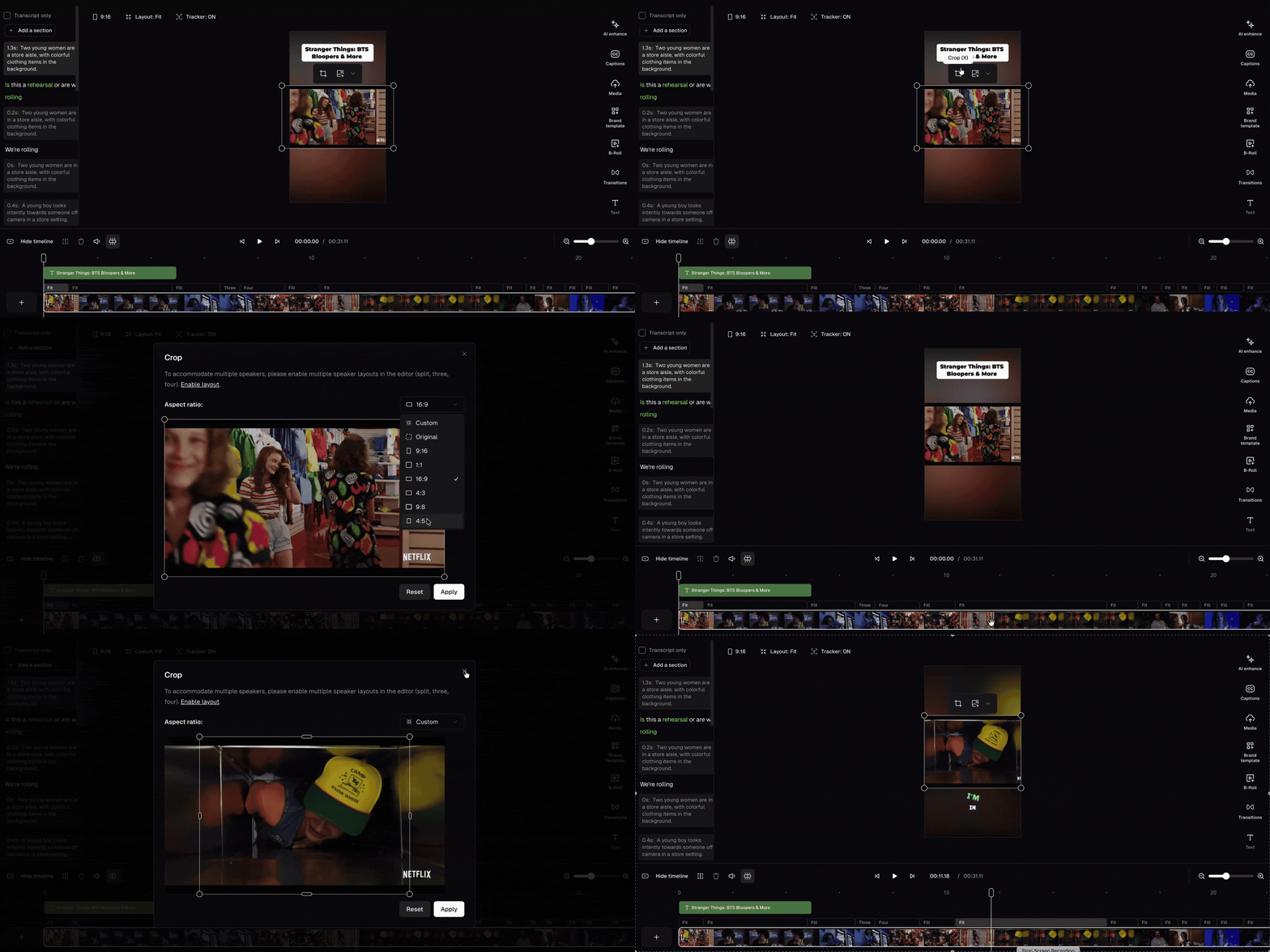
To manually adjust your video's framing, you can open the crop window to manually reframe your content. There are 3 ways to open the crop window:
* Click the Crop button
* Double click the scene
* Press **X**
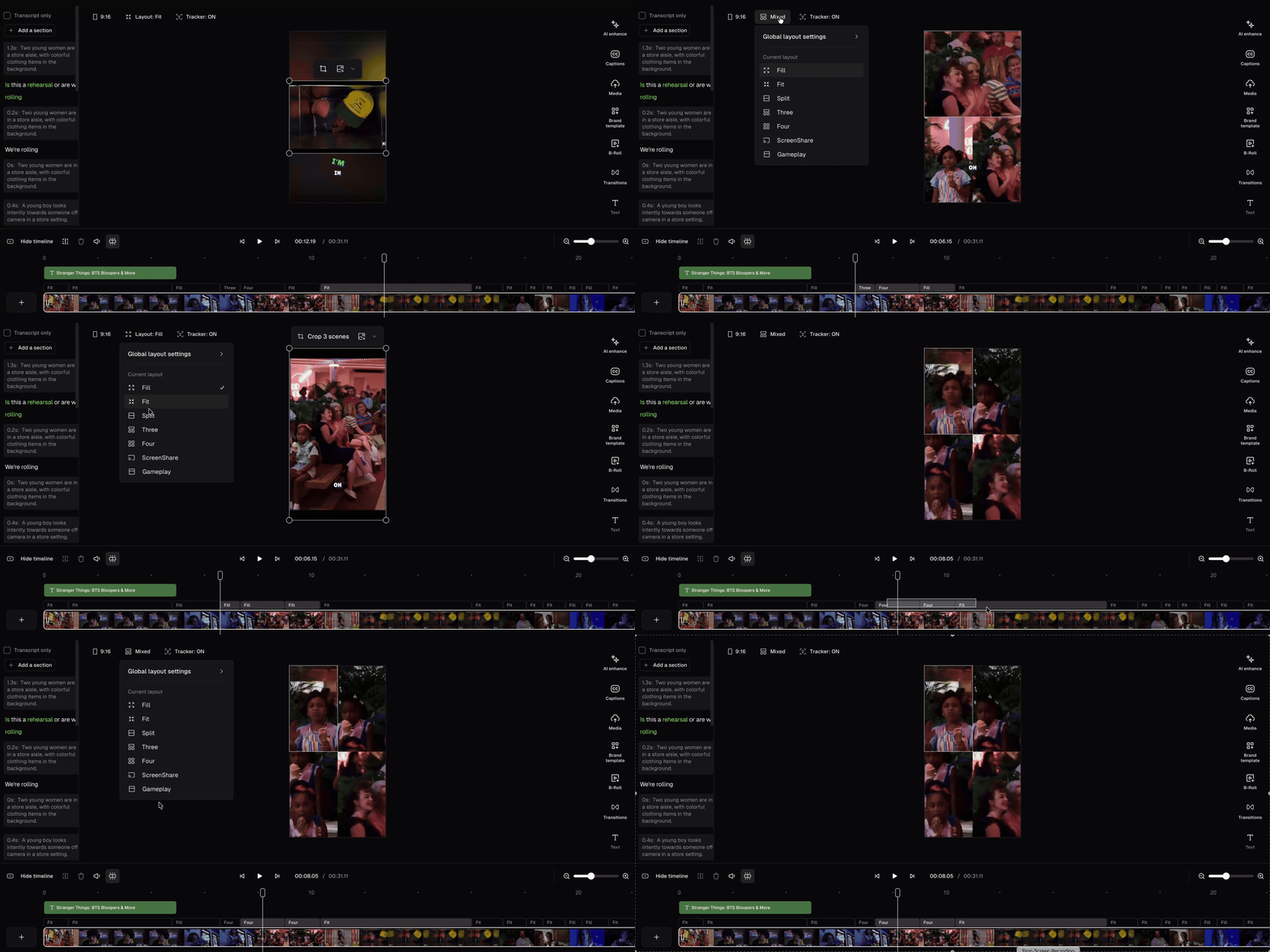
You can also select multiple scenes and update their layouts all at once. Hold Shift to select multiple scenes, then right-click to update their layouts all at once.