> ## Documentation Index
> Fetch the complete documentation index at: https://help.opus.pro/llms.txt
> Use this file to discover all available pages before exploring further.
# How can I delete my OpusClip account?
If you are looking to delete your account:
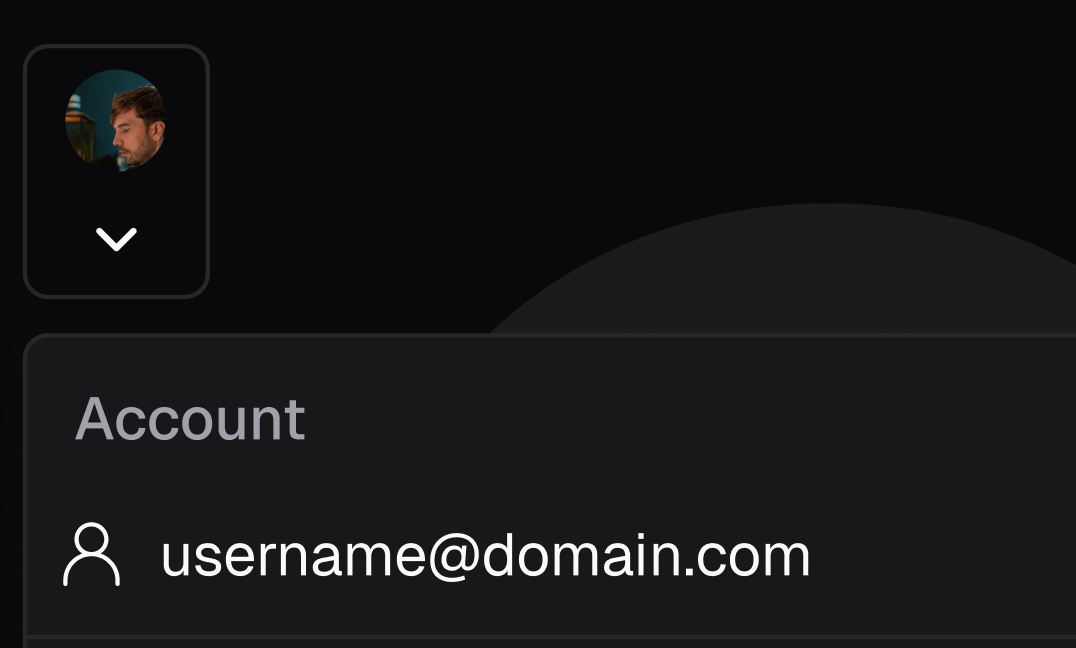
1. Click on the profile button in the upper left corner of your dashboard.
2. Select your account. Then you will see your profile page. You will see a **Delete account** button at the bottom of the page.
3. Click the **Delete account** button, and confirm each item on the checklist. Then you will be able to delete your account.
4. After you delete your account, you will be asked to fill out a survey. We won't collect any personal information for this survey.
Please ensure you do not have an active subscription currently tied to the account or else it will prevent the team from deleting the account.
Need help finding out how to cancel your subscription? [Check out this article here on how to do so!](/docs/article/downgrading-and-cancelling)