> ## Documentation Index
> Fetch the complete documentation index at: https://help.opus.pro/llms.txt
> Use this file to discover all available pages before exploring further.
# Delete a Project
## How Can I Delete a Project?
If you need to delete an unwanted project from your OpusClip account, you can do so by navigating to your OpusClip Dashboard. You can click [here](https://clip.opus.pro/dashboard) get to it faster!
Once you're on the dashboard, scroll down a bit to find your list of projects.
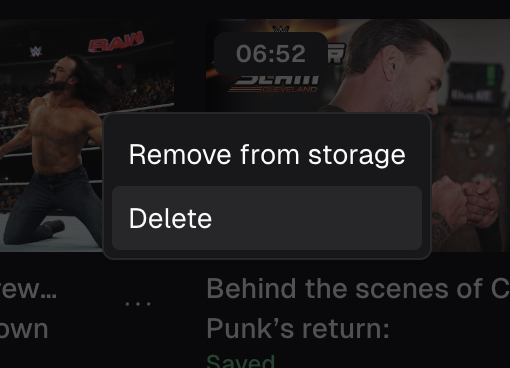
From there, hover and click onto to the 3 dot icon and a popup should open giving you the option to delete.