> ## Documentation Index
> Fetch the complete documentation index at: https://help.opus.pro/llms.txt
> Use this file to discover all available pages before exploring further.
# How to use prompts to instruct ClipAnything to find what I want?
You can prompt for specific moments in two ways:
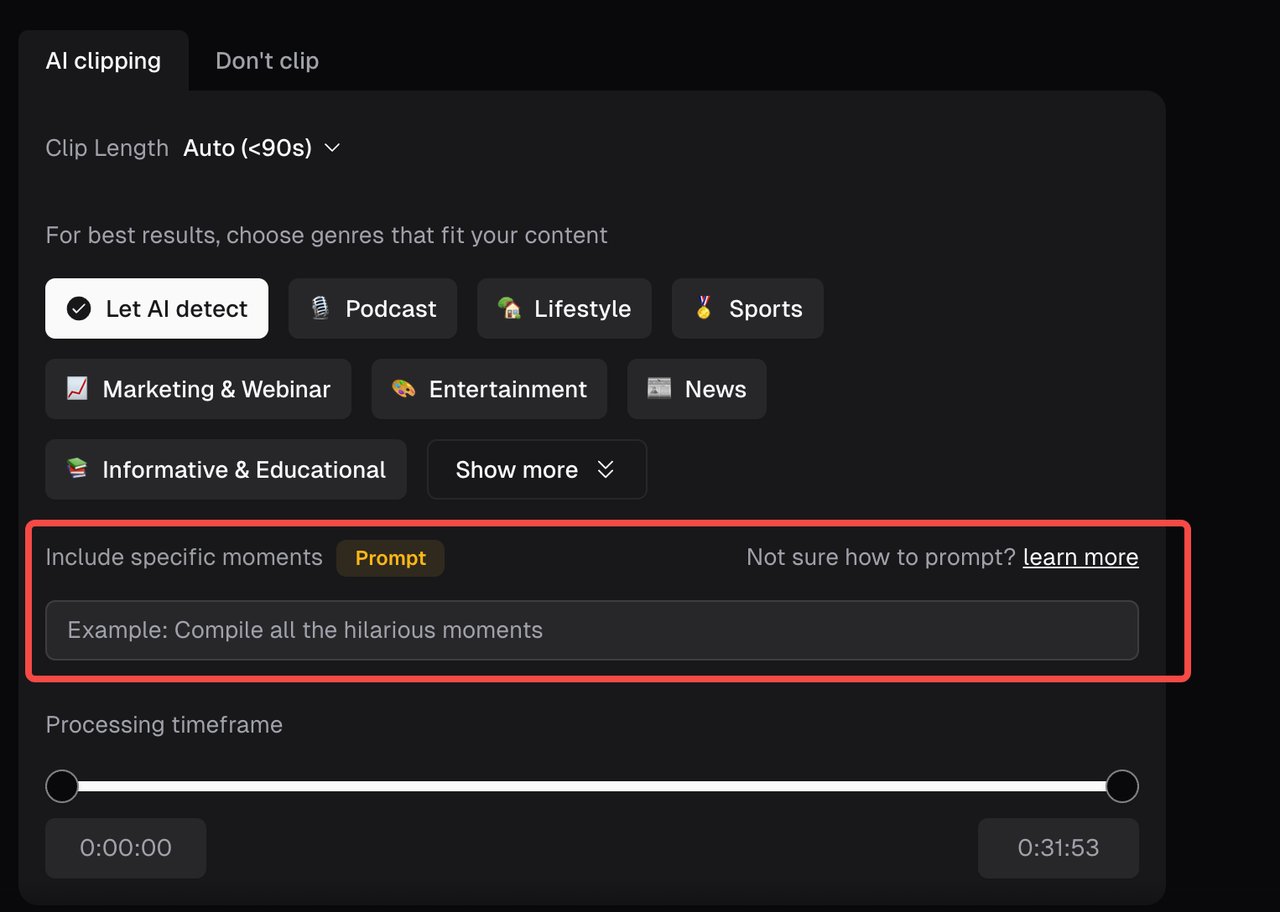
1. During the project submission page.
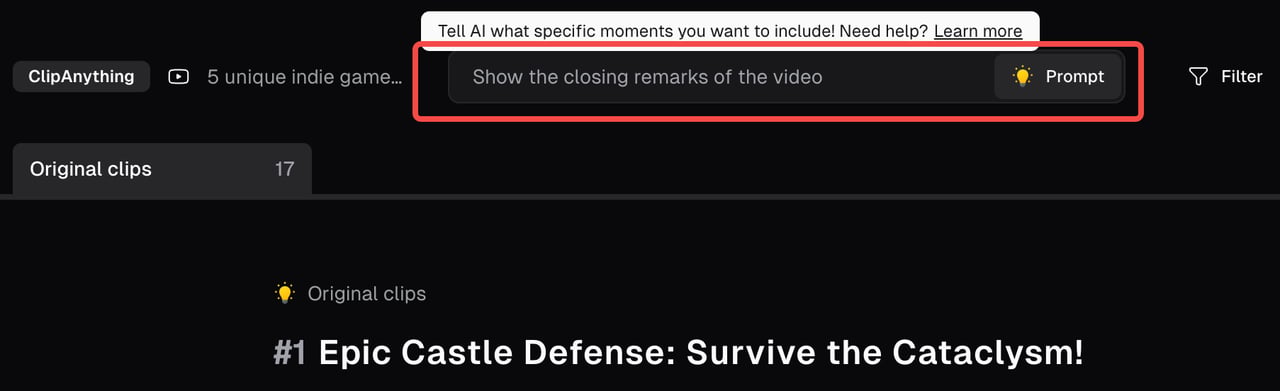
2. After your project has been completed on the project result page.
In the prompt input box, you'd be able to find a scene, action, character, event, emotional moment, social-worthy topic, and more. A well-crafted prompt can help our AI find the exact moments you want from your original video. Example: 'Find the goal scored by the player in black shirt' or 'Compile all the hilarious moments'.
To learn more about prompts and its best practices, please go to [ClipAnything Prompts Manual](https://help.opus.pro/docs/article/clip-anything-prompt-manual).